TimeCubby vs Doodle: Which Fits Your Group Scheduling Needs?
Compare TimeCubby and Doodle for group availability, account requirements, recurring patterns, and what happens after a time is chosen.
In this article
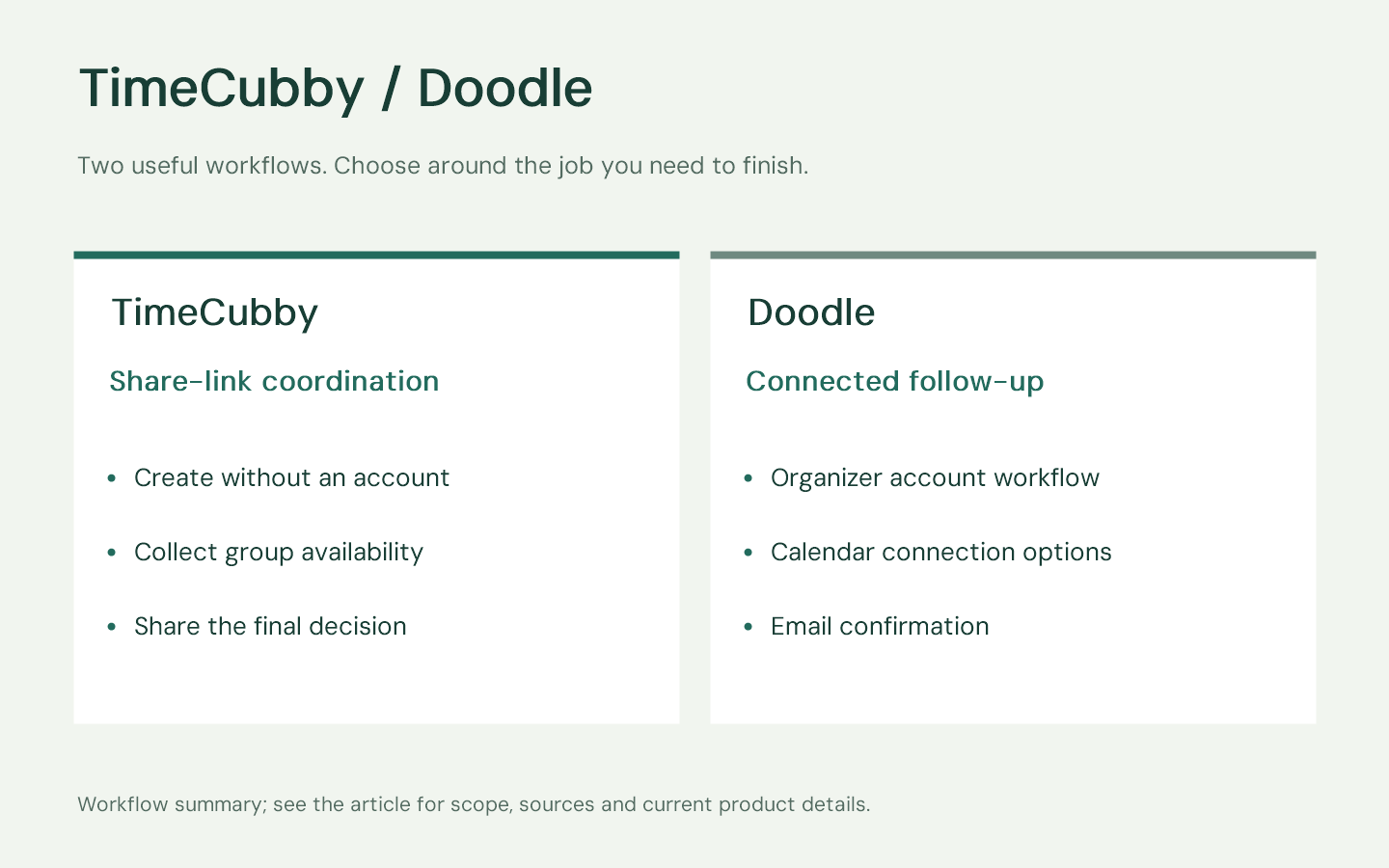
TimeCubby is a free Doodle alternative for groups that want to share a link, mark availability, and choose a meeting time without creating accounts or collecting email addresses. Doodle may fit better when the organizer wants its account-based workflow, calendar connections, and email confirmation. Doodle participants can respond without a Doodle account, so account-free voting alone is not a unique TimeCubby advantage.
Published by TimeCubby, the maker of Calendar Designer and Group Scheduling. Product details and the official sources below were checked on November 17, 2026. This is a comparison of documented features and practical workflows, not a timed performance test. Features and plan terms can change.
Compare the whole scheduling task
A scheduling tool has two jobs: help people agree on a time and make the final decision clear. An easy voting page is useful, but the organizer also needs to understand uncertain responses, meeting length, and how participants will hear about the chosen time.
| Question | TimeCubby | Doodle |
|---|---|---|
| Organizer setup | Create a poll without an account | Create and manage polls through an organizer account |
| Participant setup | Display name; no account or email required | No account required; documented voting flow asks for name and email |
| Types of availability | Specific dates, weekly availability, and monthly patterns | Documented Group Poll workflow proposes dated meeting options |
| After choosing a dated meeting | Download an .ics file and share the decision yourself | Participants receive an email confirmation after finalization |
| Calendar connection | Does not connect to personal calendars | Documented workflow supports connected calendars and conferencing options |
Source: Doodle’s group-poll creation guide
Source: Doodle participation without an account
When TimeCubby is a practical choice
Imagine a volunteer group that already communicates in a chat. The organizer can create a TimeCubby poll, share the invitation link in that chat, and ask everyone to mark every workable time. Participants enter a display name and save Available or Maybe selections. The organizer then compares the responses and sends the decision back to the same group.
TimeCubby also supports usual weekly availability and monthly choices such as the first Monday or last Friday. These are useful when you are choosing an ongoing pattern rather than one dated event. They use a shared event time zone and produce a copyable plan, not an automatically created calendar series.
Create a group availability poll
When Doodle may be more convenient
If the group expects confirmation email and the organizer already works with connected calendars, Doodle’s documented workflow may reduce the manual follow-up needed after voting. Check which features are included in the plan you intend to use before deciding.
This comparison avoids exact price and option-limit claims because plans can change and different features may have different limits. Evaluate the current product against your actual job: the number of options, the participants’ needs, and the final communication you want to send.
Read the results for the whole meeting
For a 90-minute meeting, look for people who can attend all 90 minutes. Strong totals in adjacent time slots do not necessarily represent the same people. In TimeCubby, open Poll results and compare meeting options and individual saved responses before choosing.
Treat Maybe as uncertainty that needs resolving. A time with five available people can be more dependable than a time with four available and several maybes, depending on who must attend. Set the decision rule before the votes arrive if the meeting depends on particular people.
Know what the shared link exposes
Anyone with a TimeCubby invitation link can see display names and submitted availability and add a response. Keep the link within the intended group and avoid sensitive details in the title or description. Anonymous editing access is remembered in the browser; clearing browser storage can remove that access.
Choose TimeCubby if its shared-link workflow and manual confirmation fit your group. Choose a different workflow when you need features such as private participant visibility or integrated invitation delivery that this TimeCubby poll does not provide. The useful outcome is a confirmed meeting people understand, whichever tool gets you there.