Free printable
calendar designer.
Make a colorful family planner, a school notebook or a calendar for your team with Calendar Studio.
120 ready-to-use templates. 1,200 layouts. 23 beautiful font families. Customize the dates, colors, photos and every detail, then download a calendar that feels like yours.
Completely free. Your downloads are watermark-free.
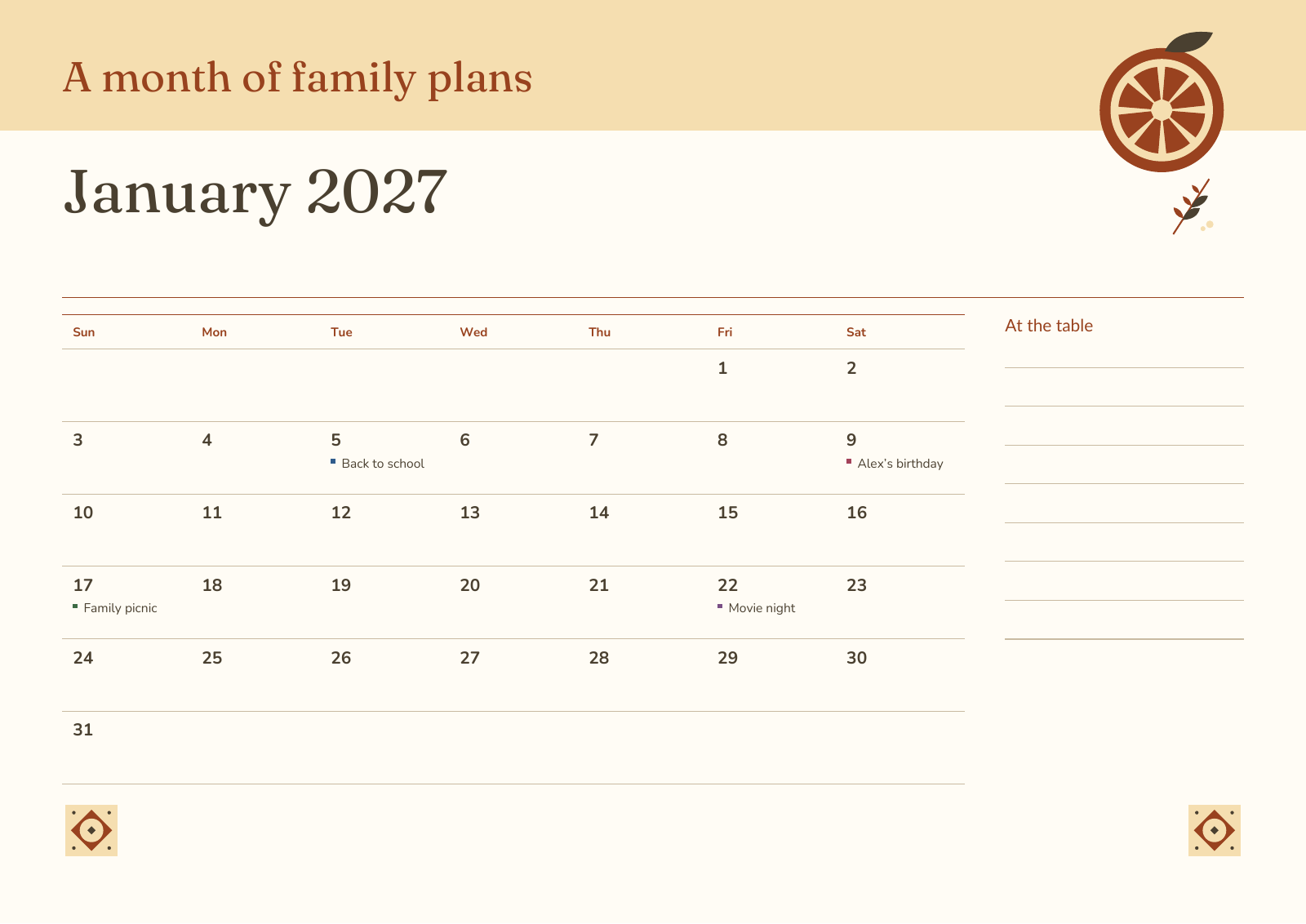
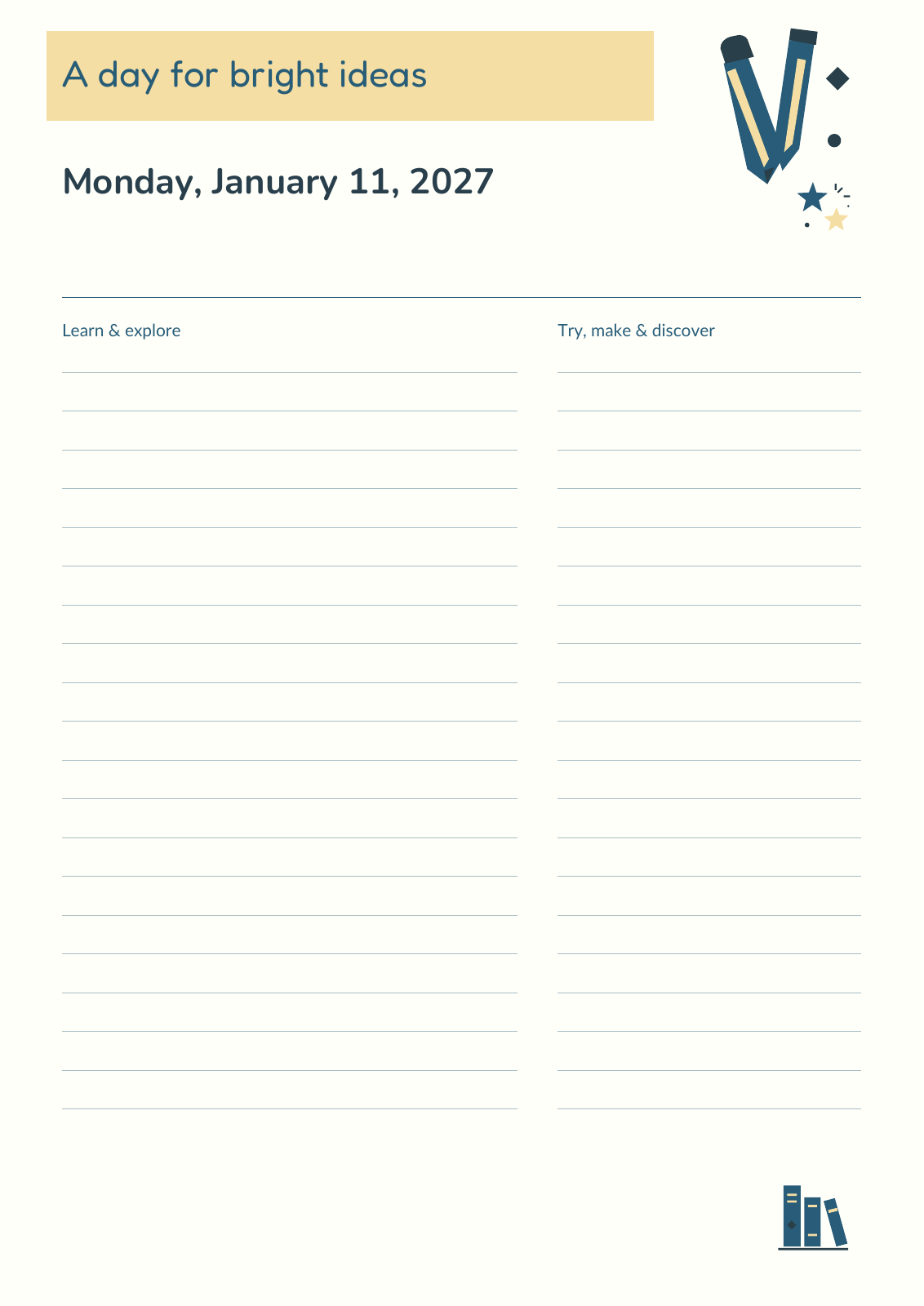 Made in the designer. Ready for your own plans.
A page for the life
you’re planning.
Family routines, lesson plans, work deadlines and personal projects. Choose a starting point and make it your own.
Daily, for school & study
Give lessons, homework and bright ideas a place on the page. Create up to 100 daily pages for a term or a personal journal.
Weekly, for work & projects
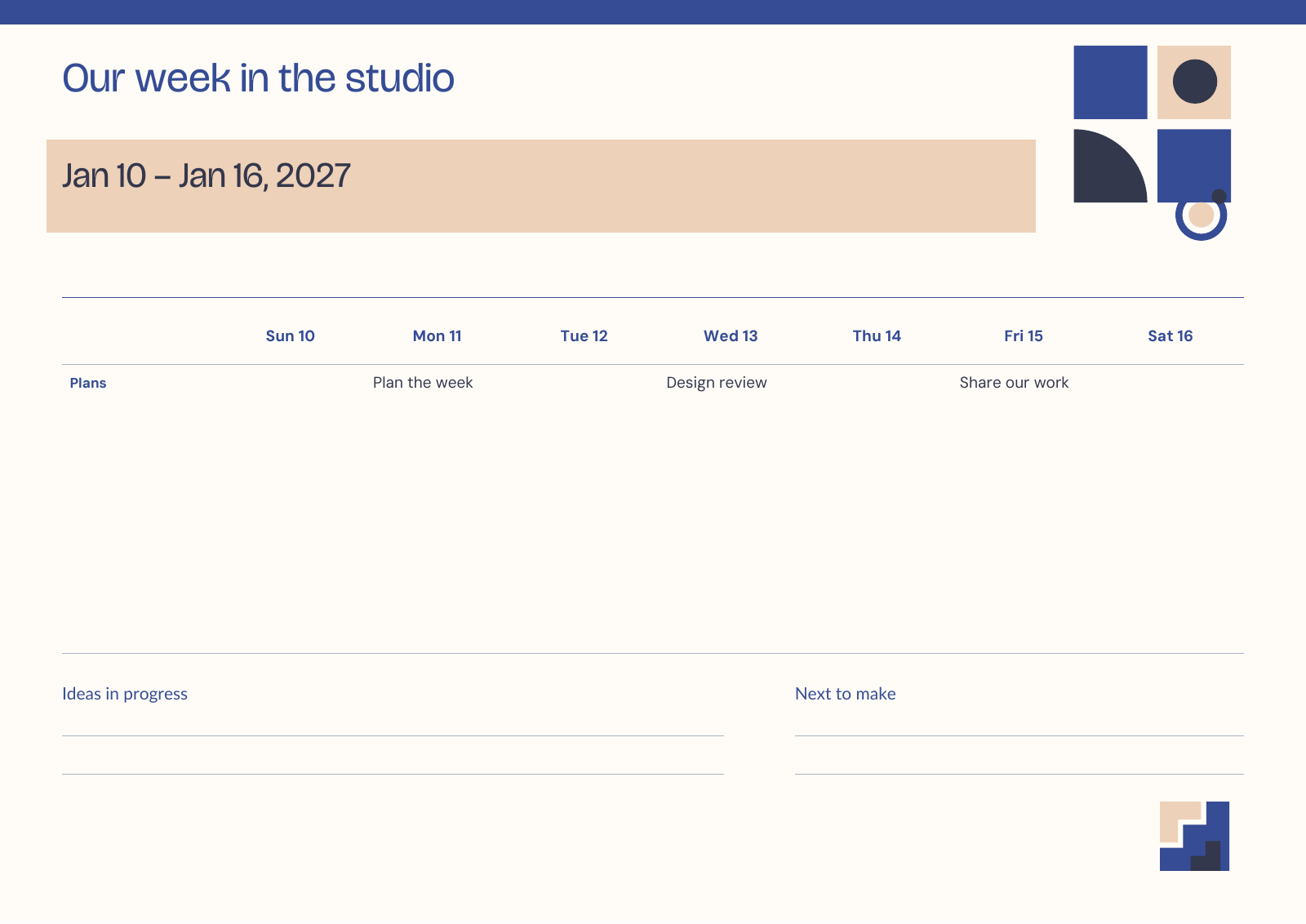
See deadlines and next steps together. Put days in rows or columns, add your team, and build a full 52-week planner.
Monthly, for family life
Keep birthdays, school days and shared plans in view. Choose a classic grid or dates in rows or columns with space for everyone.
Annual, for the bigger picture
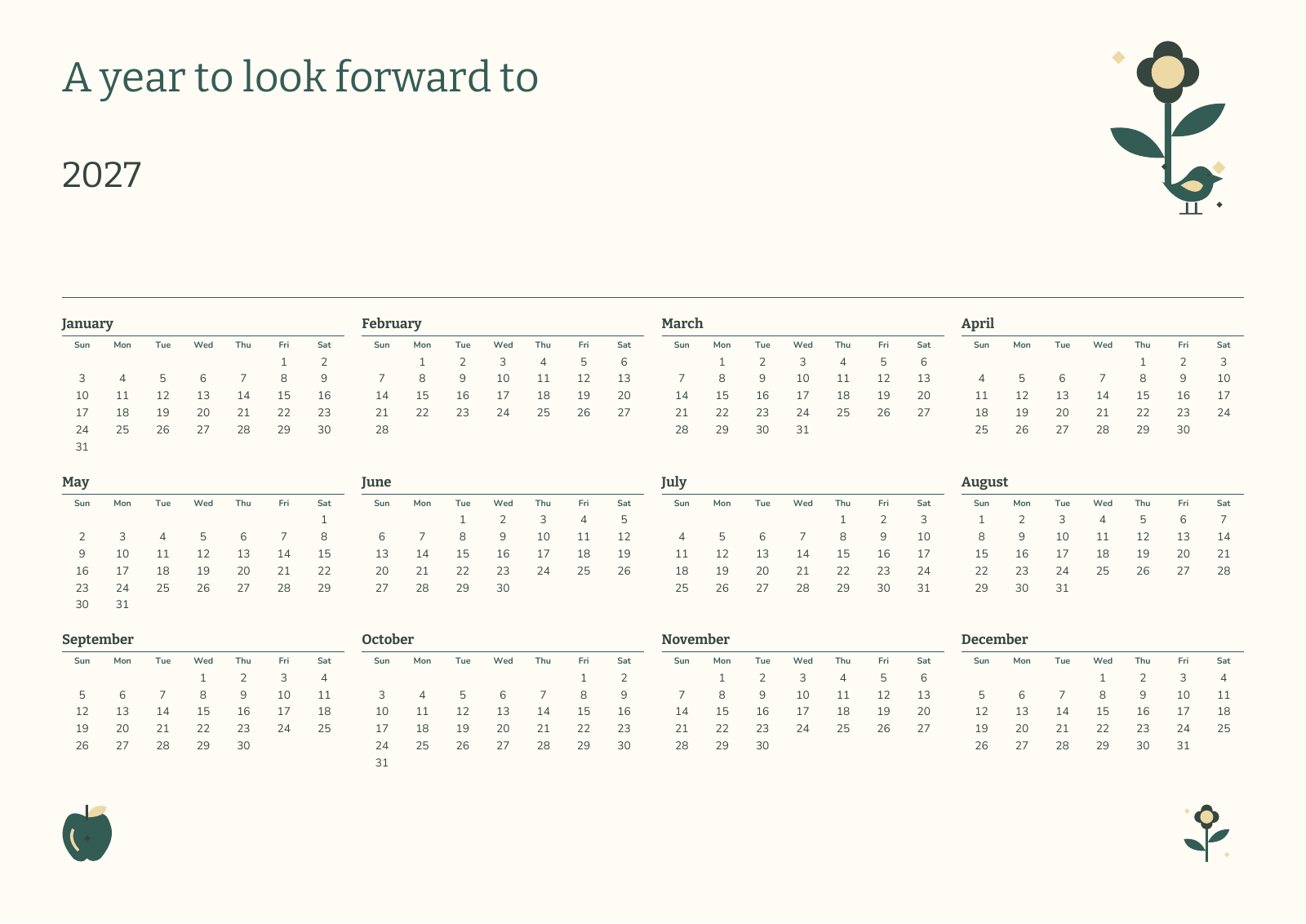
Plan a school year, a project calendar or a year of things to look forward to. See all 12 months together in portrait or landscape.
All 120 themes include Daily, Weekly, Monthly and Annual layouts in both orientations, plus Monthly planners with dates in rows (portrait) and columns (landscape). That’s 1,200 starting layouts.
The template is
just the beginning.
Make a calendar for your kitchen wall, classroom, office or blog. Move the artwork, add your own photos, write a title and choose the colors that fit.
Browse by use: family, school, work, meals, travel, wellbeing, reading, creative projects and more.
Find your starting point23 fonts, and room for your own style
Pair expressive headings with readable dates. Edit text, colors, SVG artwork, photos and lined notes. Move, resize, rotate and align objects, with Undo when you need it.
Print-ready PDFs, from a notebook to a poster
Download a print-ready PDF in your chosen paper size, from A5 and US Letter to A0 and 36 × 48-inch posters. Text and vector artwork stay sharp. PNG and JPG are ready for digital sharing.
Your design, without our branding
White label by default: new calendars have no TimeCubby watermark, logo or automatic footer note. Add your own title, photo or company logo. Optional holiday information can be switched on in Calendar settings.
Free from the first page to the download
Every template, font and export is included. Personal, school, company and blog use are free. Calendars and templates may not be sold.
From a name
to a calendar.
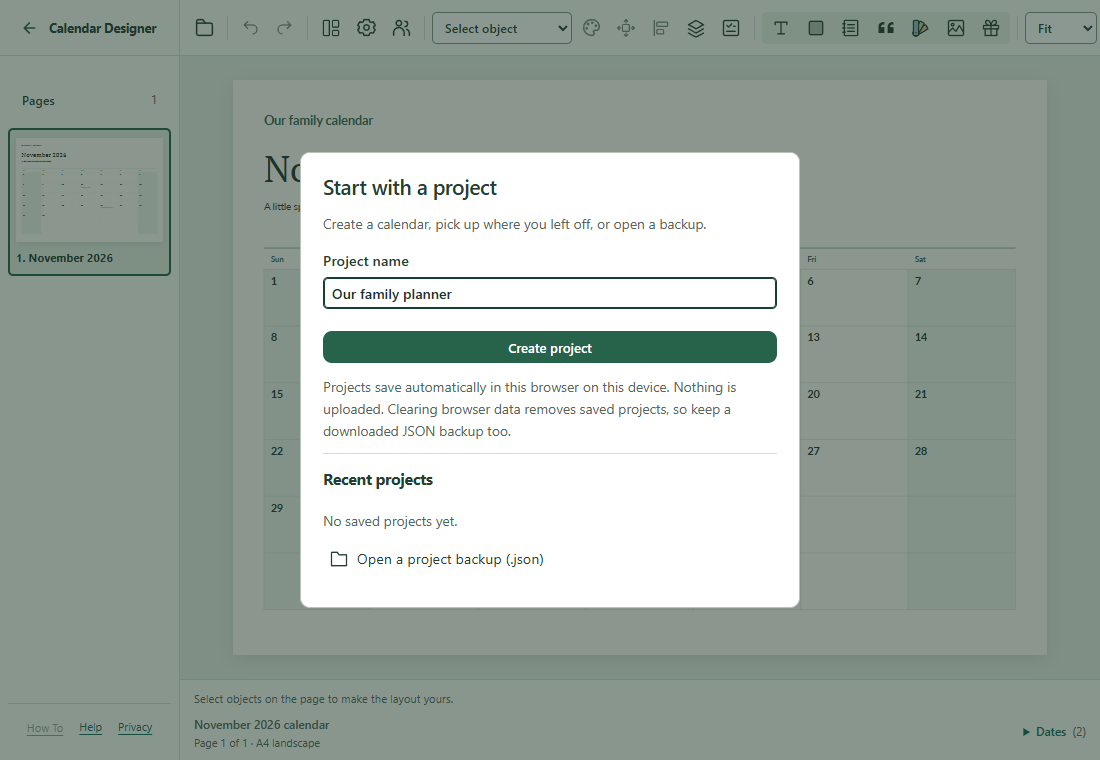
1. Name your project
Create a project to begin. It saves automatically in this browser. The folder icon opens your project tools and recent calendars.
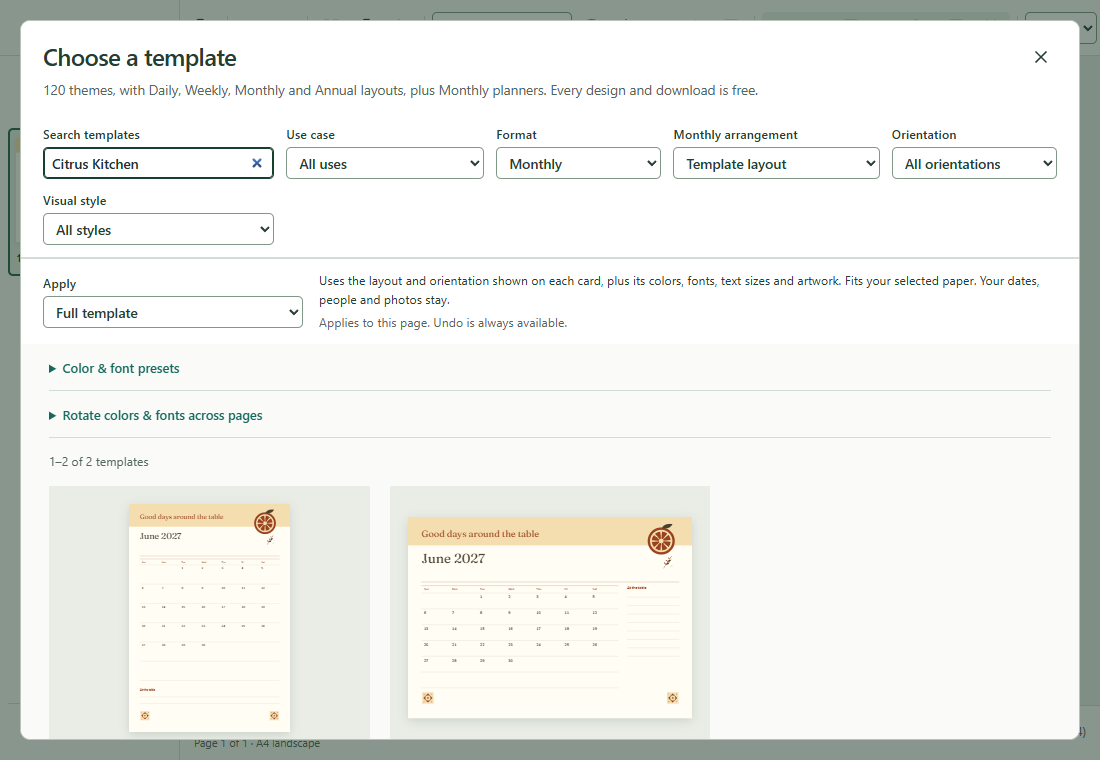
2. Choose a template
Browse by purpose, format or style. Choose Full template for its layout, or Style only to keep your existing arrangement.
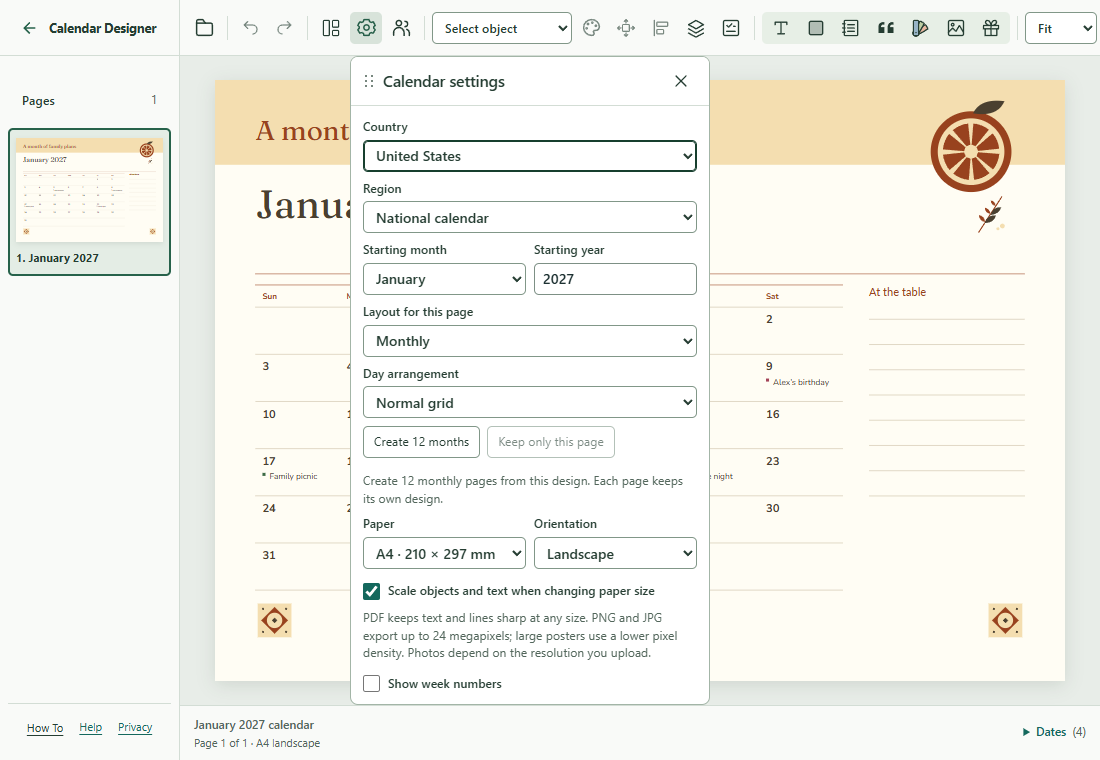
3. Set your dates and paper
Choose the period, format, holidays and print size in Calendar settings. Use My dates to add birthdays, reminders and people.
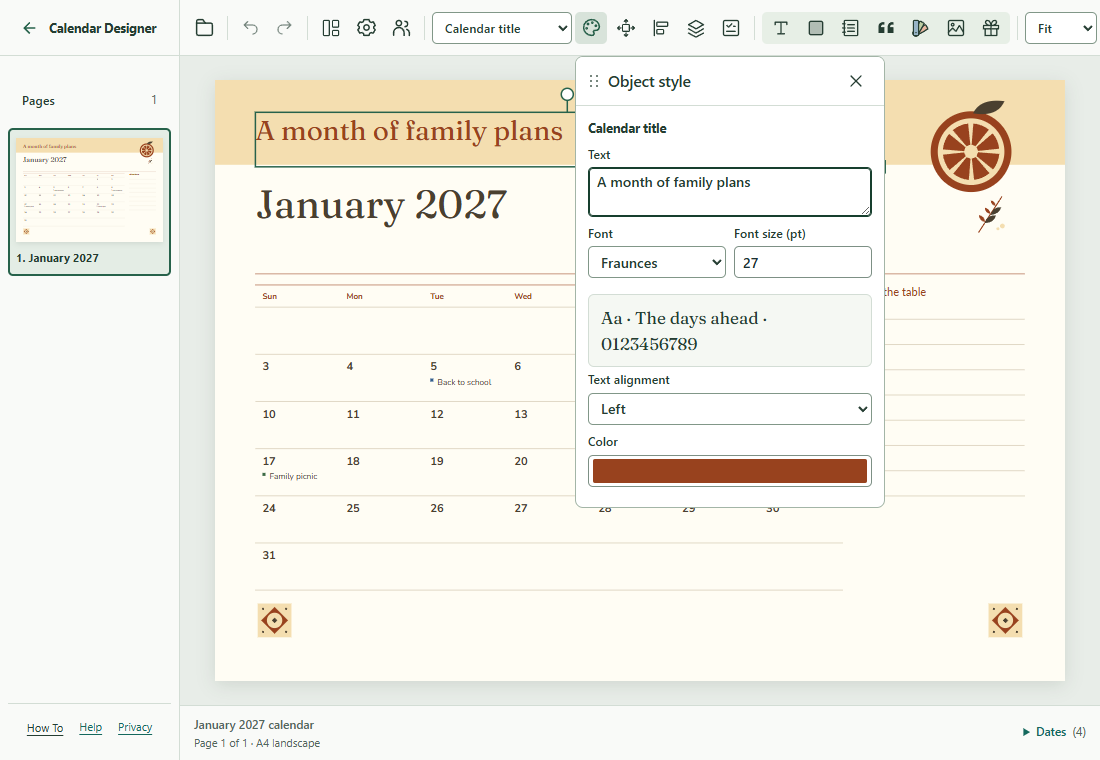
4. Make it yours
Select an object on the page to move it or change its style. Add photos, artwork and notes, and try one of the 23 font families.
5. Download and keep a backup
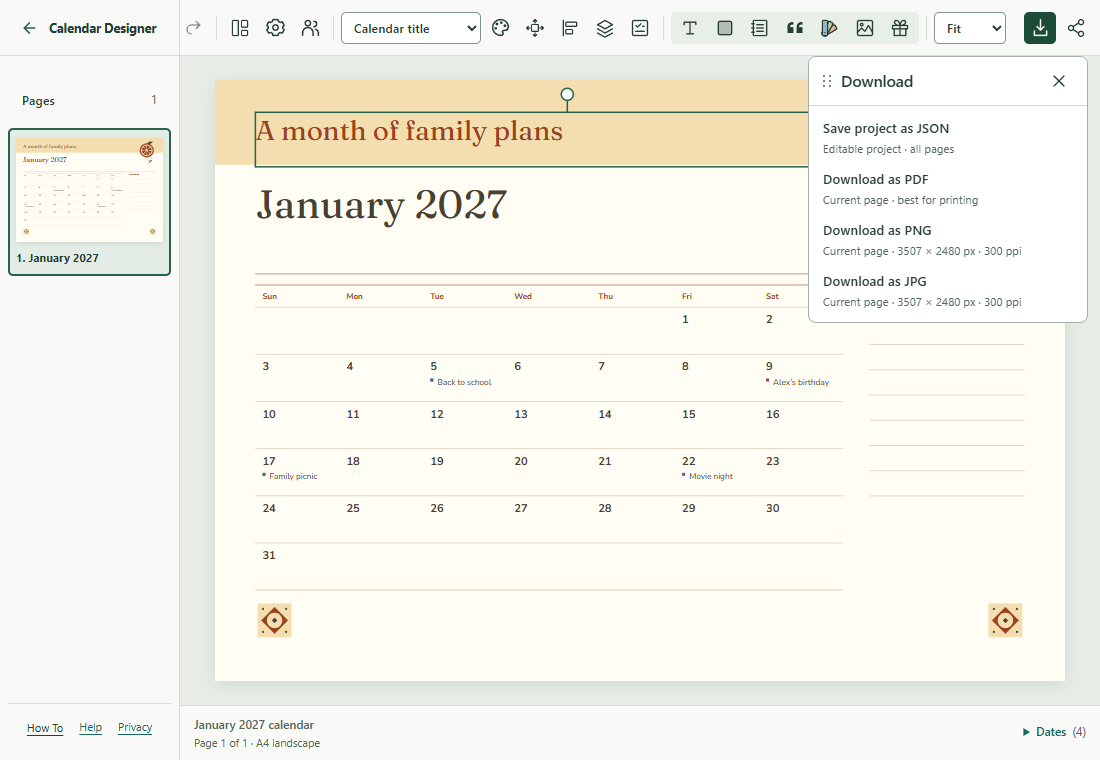
Choose PDF for print, or PNG and JPG for an image. Download the JSON project backup to keep an editable copy for later.
Your project stays on your device.
Calendar Designer edits your photos, saves projects and creates downloads in your browser. Your project and photos aren’t uploaded to TimeCubby. No account is needed.
Keep a JSON backup for important work or to move between devices. Clearing browser data can remove saved projects. The Share button shares the designer’s link, without your project data.
A few things to know
Is it completely free?
Yes. All 120 templates, 1,200 layouts, 23 font families and PDF, PNG, JPG and project-backup downloads are free. You don’t need an account or a subscription.
Can I use it for my family, school, company or blog?
Yes. You may create, print and share calendars for personal use, schools, company use and your blog, including free calendar downloads for your readers. A credit link to timecubby.com would be appreciated, but it is entirely optional.
Can I sell calendars or templates made here?
No. Calendars and templates made with Calendar Studio may not be sold as printed products, digital downloads or template packs, or included in a paid product. Free personal, school, company and blog use is welcome.
Will my calendar have a watermark or footer?
New calendars are white label by default. Downloads have no TimeCubby watermark, logo or automatic footer note. You can add your own branding and choose to show holiday information in Calendar settings. Existing projects keep their saved footer preference.
What do the 1,200 layouts include?
Each of the 120 themes has Daily, Weekly, Monthly grid and Annual versions in portrait and landscape, plus a Monthly dates-in-rows planner in portrait and dates-in-columns planner in landscape. That is 10 starting layouts per theme, all customizable.
Which file should I use for high-quality printing?
Choose PDF and set the paper size before downloading. Text and vector artwork stay sharp at large sizes. Photo quality depends on the source image; imported photos keep their original pixel dimensions within the 16 MB and 40 megapixel limits. PNG and JPG exports are limited to 24 megapixels, so large posters use a lower pixel density. Check your printer’s paper and file requirements.
Do I need to install the fonts?
No. All 23 font families load in your browser. PDF exports embed supported characters. If a chosen font does not support a character, the affected page is rendered as an image to preserve its appearance.
Can I add my own photos or company logo?
Yes. Add photos or your company logo, then move and resize them on the page. Customize the text, colors and fonts to make a calendar for your home, classroom or workplace. Your photos and logos stay on your device and aren’t uploaded to our servers.
Can I reopen a project or replay the tour?
Open a saved project from the folder icon in the same browser, or open a downloaded JSON backup on another device. The first-project tour can be skipped, and your choice is remembered in this browser. Choose How To beside Help and Privacy to run it again.
How is this different from the regular calendar?
Calendar Designer gives you a canvas with editable artwork, text, photos and notes. For a quick date lookup or a straightforward printable calendar, use the regular TimeCubby calendar.